













Aftersell Logo

New: explore 6 major product releases built to drive more revenue from every order. Explore the Lab

+11%

higher conversion on funnels built with Aftersell MCP

+9%

more revenue per visit

1,000+

brands asking and building with AI

Ask. Build. Refine.

Your upsells, run from one chat

Skip the editor and the dashboards. Type what you want in the AI tool you already work in, and Aftersell does the rest.

Turn Any Idea Into a Funnel

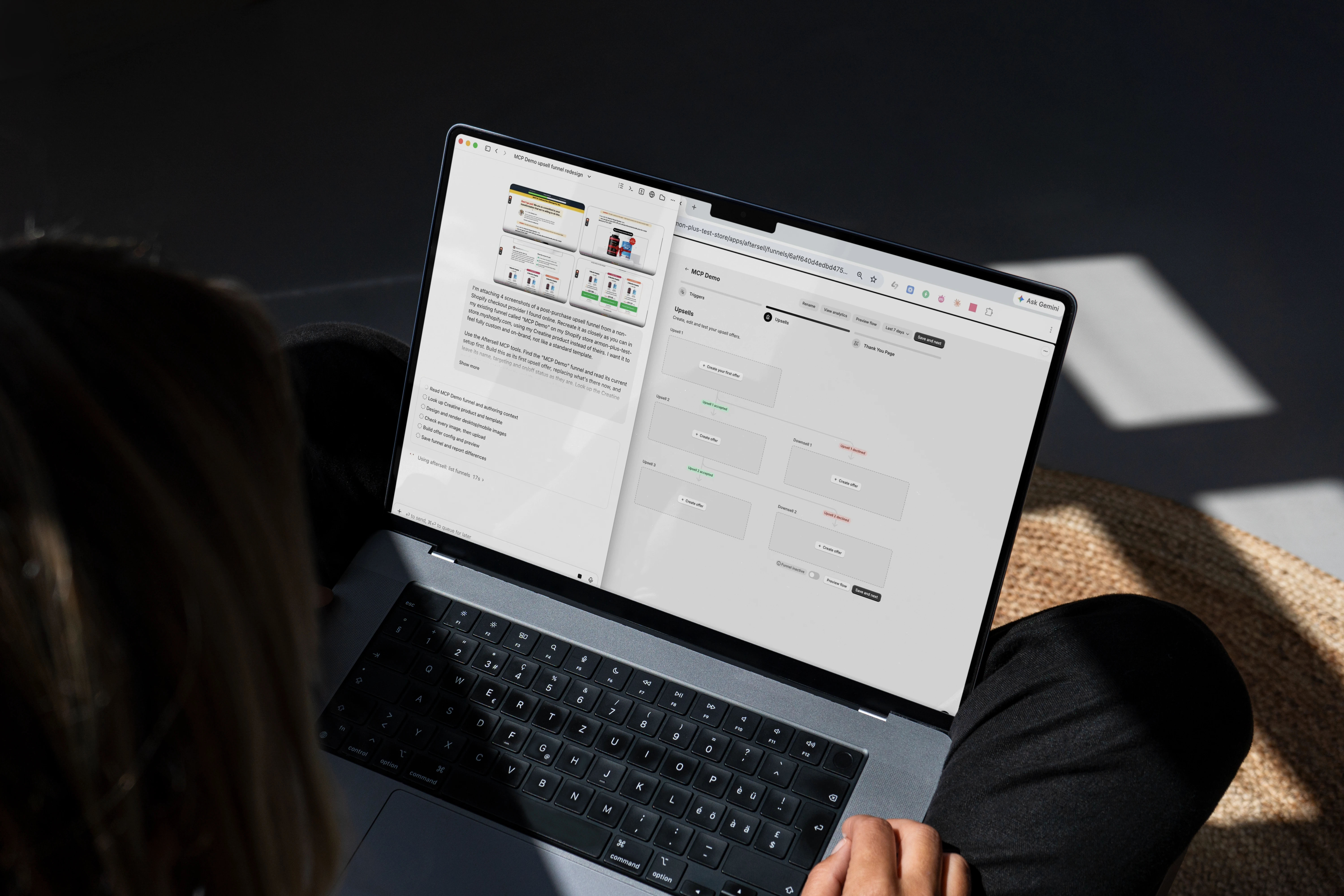
Describe it, or screenshot an offer you love, and launch it in minutes

Increase Conversion and Revenue

Ask where the growth is, build the funnels, refine until they win

Diagnose Your Data

Trace exactly why an offer didn’t show, then draft the strategy that fixes it

Connect in minutes

How Aftersell MCP works

01
Open the connect page

Find Aftersell MCP in your Aftersell admin and pick your AI tool: Claude Desktop, Claude Code, Codex App or Codex CLI.

02
Add the connector

Paste one URL into your AI tool’s connector settings, or copy a single terminal command.

03
Approve the connection

Enter your connect code, then match the verification number in your admin. Only you can approve it.

04
Ask, then build

Ask about revenue, funnels and offers in plain language. Then tell it what to build or fix.

DRAFT FIRST

Nothing goes live until you switch it on

Every funnel the MCP builds saves as a draft, with a private preview link. Check it on desktop and mobile, then flip the toggle when you’re happy.

BENCHMARKS

See how you stack up against similar stores

Compare your take rate and revenue per visitor with stores like yours, then find the exact funnel step that’s holding you back.

TEST AND REFINE

Read the test. Keep the winner.

Set up A/B tests on discounts, products and copy in the chat. Ask if a test has enough data to call, then build the next round on the winner.

EVERY STORE, ONE CONNECTION

Run every store and market from one chat

Link more stores in one click and copy your best funnels to a new store or market. Built for brands with several storefronts and the agencies that run them.

REPORTS ON AUTOPILOT

Your Monday upsell report, without the dashboard

Get upsell revenue, conversion and top products in the chat, or have them pulled into the reports and briefs your team already reads.

Built for your team

For whoever runs post-purchase

Founders and operators
Answers and fixes without opening the editor

Start with a question in Claude. Fix, restyle and build funnels in the same chat.

Agencies and growth leads
Build for every brand, hand over a draft

Work from Claude Code or Codex, send drafts for sign-off and copy funnels across stores and markets.

Data and ops teams
Aftersell numbers in the reports you already run

Pull upsell revenue, conversion and top products on a daily or weekly schedule.

Safe by design

Your store, your call

Aftersell MCP is scoped to your store’s Aftersell data, and you stay in control of every connection.

Read-only by default

Your AI tool can read analytics but can’t place orders or change settings. Building funnels is enabled on request.

Customer data blocked

Personally identifiable customer fields are never shared with your AI tool.

Only you can approve

A single-use code and a matching verification number confirm every new connection.

Disconnect anytime

One click removes access from every store right away. Reconnect whenever you like.

START WITH A PROMPT

Ask anything. Build what comes next.

A few things merchants ask and build every day. Copy one into your AI tool to try it.

Build

“Take this screenshot and build it to fit my branding.”

Build

“Build this as a draft and send me the preview before anything goes live.”

Build

“Add a cheaper offer for shoppers who decline the first one.”

Build

“My product price changed. Fix every offer that still shows the old one.”

Ask

“Why aren’t my post-purchase offers showing to more shoppers?”

Ask

“How much extra revenue did my upsells make last week?”

Ask

“Trace order #1234. Did the shopper see an offer?”

Ask

“Which step of my funnel loses the most revenue?”

Ask

“Does my A/B test have enough data to call a winner?”

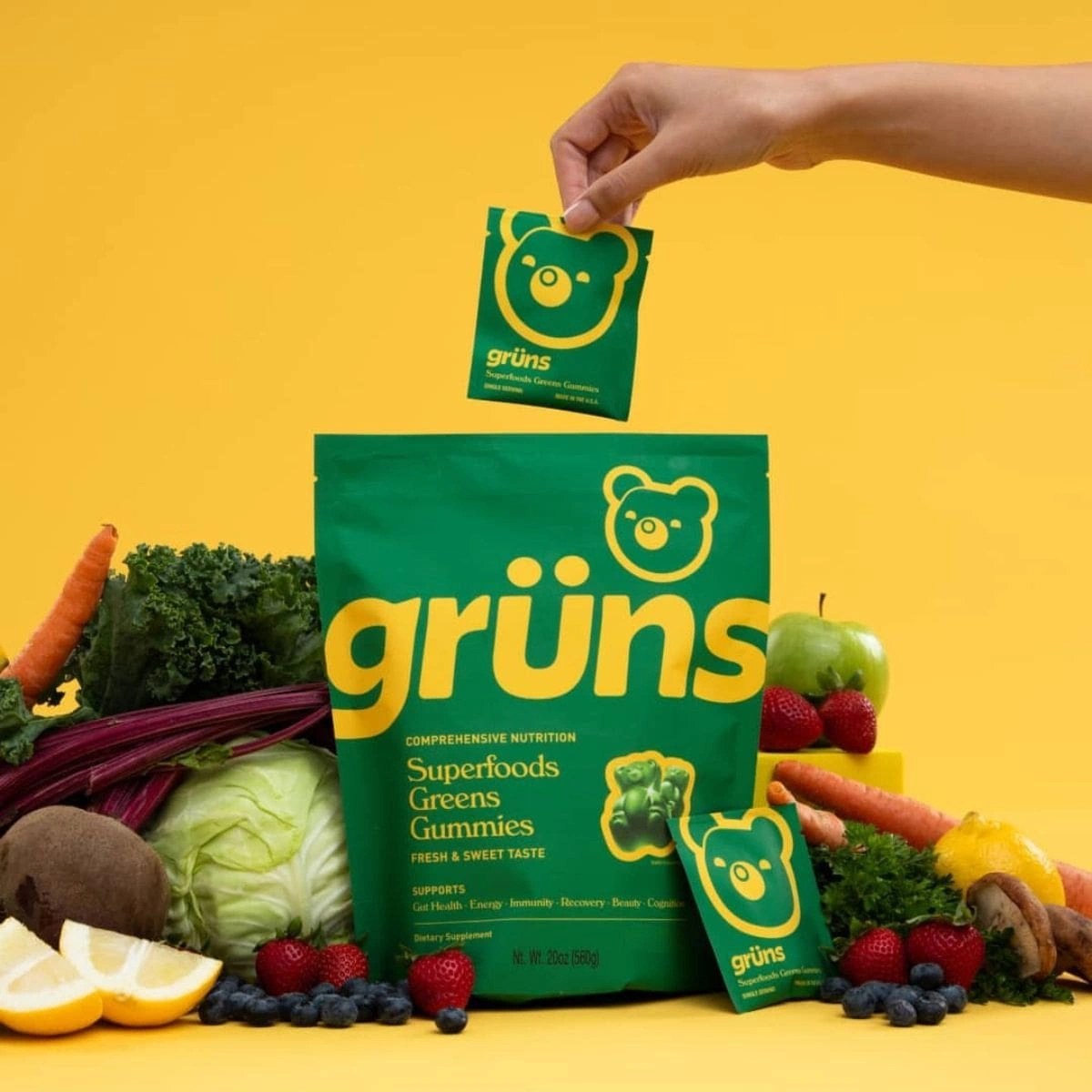
A Grüns Superfoods Greens Gummies pouch with fresh fruit and vegetables
Grüns

“Work that touched many funnels used to take hours, even days, of clicking through the admin. Now it’s one or two passes. For Black Friday, I built and staged our subscription funnels across all four brands in one afternoon, then checked every one before turning anything on.”

Tal Benatar
Senior E-Commerce Manager, Grüns

Aftersell MCP vs Other Upsell Apps

See why Aftersell gives you the answers behind the numbers, and builds the fix as a draft

Features

Aftersell MCP

Other upsell app MCPs

Ask about performance

Break down every funnel, step, product and device

Funnel and offer performance

Benchmarks

See how you stack up against similar stores

Your store’s own numbers

Why an offer didn’t show

Trace any order and get every reason

Flags issues by funnel

Designed offers

Launch offers from proven templates, with images, GIFs, video and timers

Triggers, products and discounts

Goes live

Preview every funnel as a draft first

Approve each change in the chat

Setup

Connect in minutes. No developer needed

Connect in minutes

* Information accurate as of publicly available product documentation 2026. Subject to change.

FAQs

What is Aftersell MCP?
Which AI tools does it work with?
Do I need a developer to set it up?
Can it change my live offers?
What data can the AI see?
Can I connect more than one store?
How do I stop the AI’s access?

Join 50,000+ brands already on Aftersell

Start your free trial, connect your AI tool, and build your next upsell in one prompt.